Collect data with Amber
Electronic data capture: build forms, run interview campaigns and collect participant data.
What is Amber?
Amber is a web-based system that collects case report data based on forms. It is composed of the Amber Server application and several frontend applications for content administration and data collection.
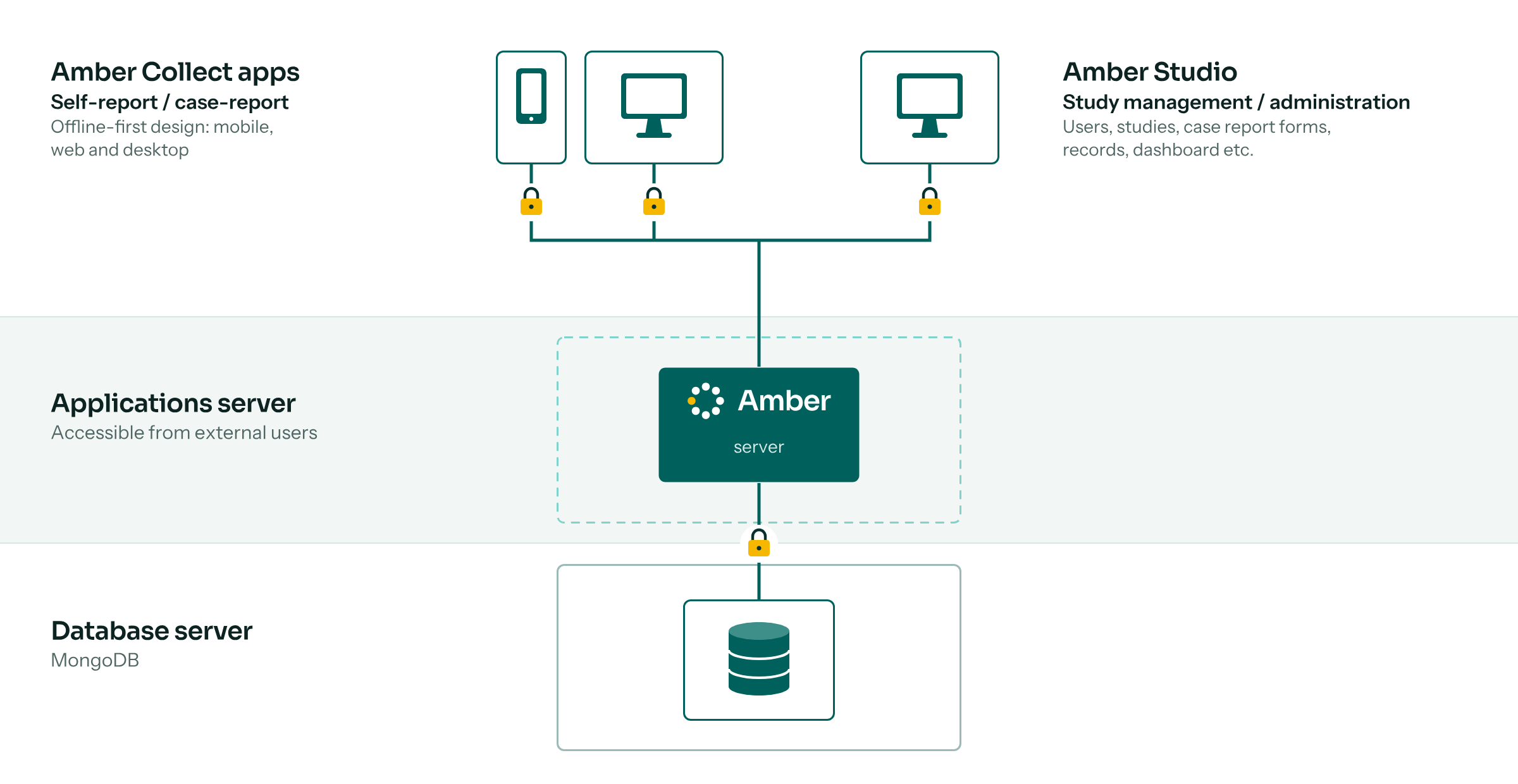
What Amber can do for you. Amber collects data in an automated, efficient and secure way, to minimize human errors. Forms can be designed, internationalized and revised without programming skills.
Highly customizable. Amber’s look and feel can be adapted to your institution’s needs, and additional features can be developed and maintained in the long term with community support. Read the Amber documentation or write to info@obiba.org to learn how Amber could be adapted to your needs.
Features
Amber consists of an application engine and several web applications for managing, collecting and analyzing data.
Amber Server
The engine in charge of core logic, data storage and access controls:
- Web services API: all functionalities are available through web services, usable from multiple client applications.
- Authentication: sign-in, sign-up, password recovery, email validation, two-factor authentication, access tokens with inactivity and expiration timeouts.
- Authorization: role-based and access control lists.
- Database encryption: critical content (individual records) is encrypted in the database.
- Scalable: multiple server instances can run behind a load balancer.
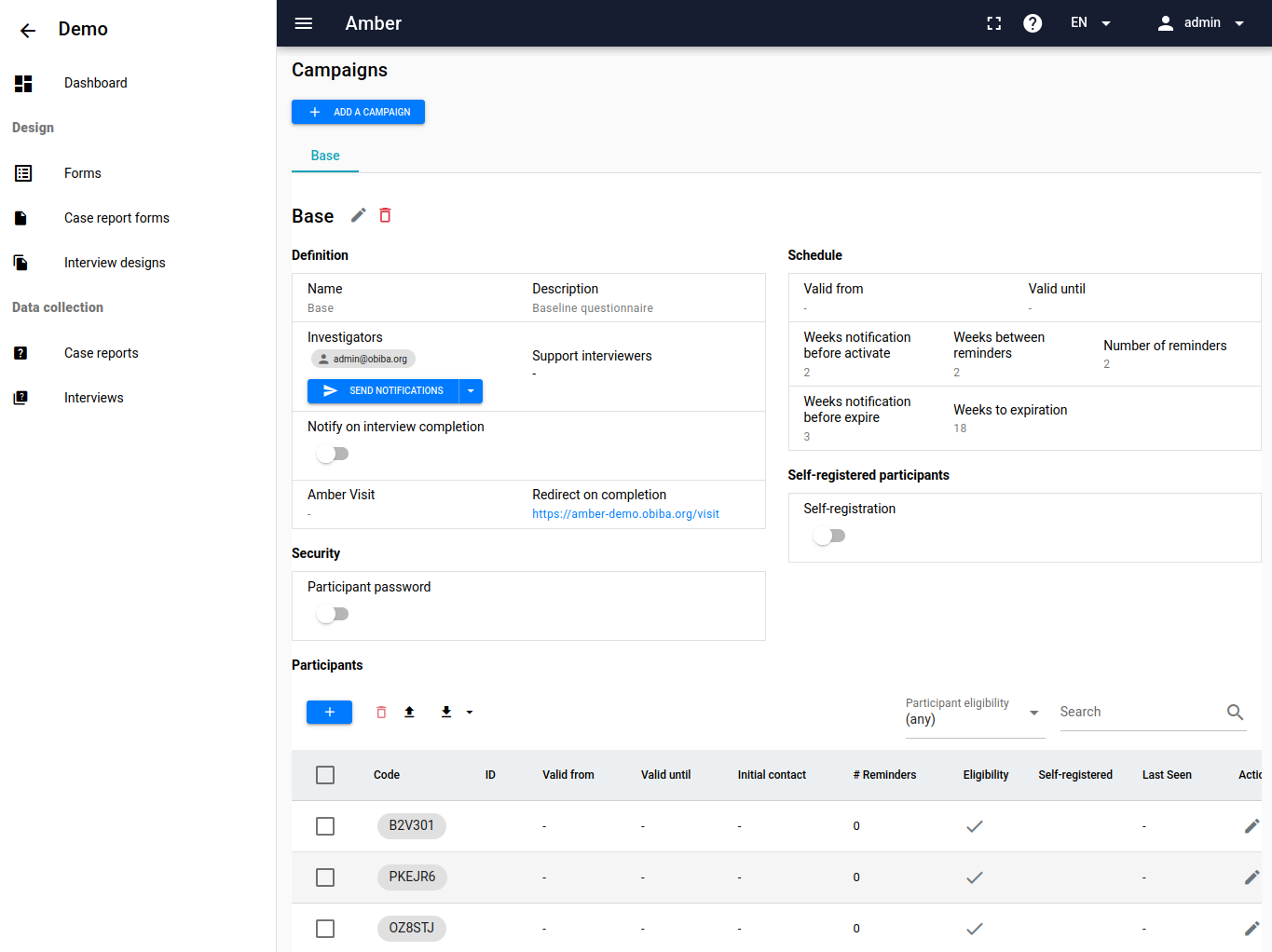
Amber Studio
The web application for managing Amber content:
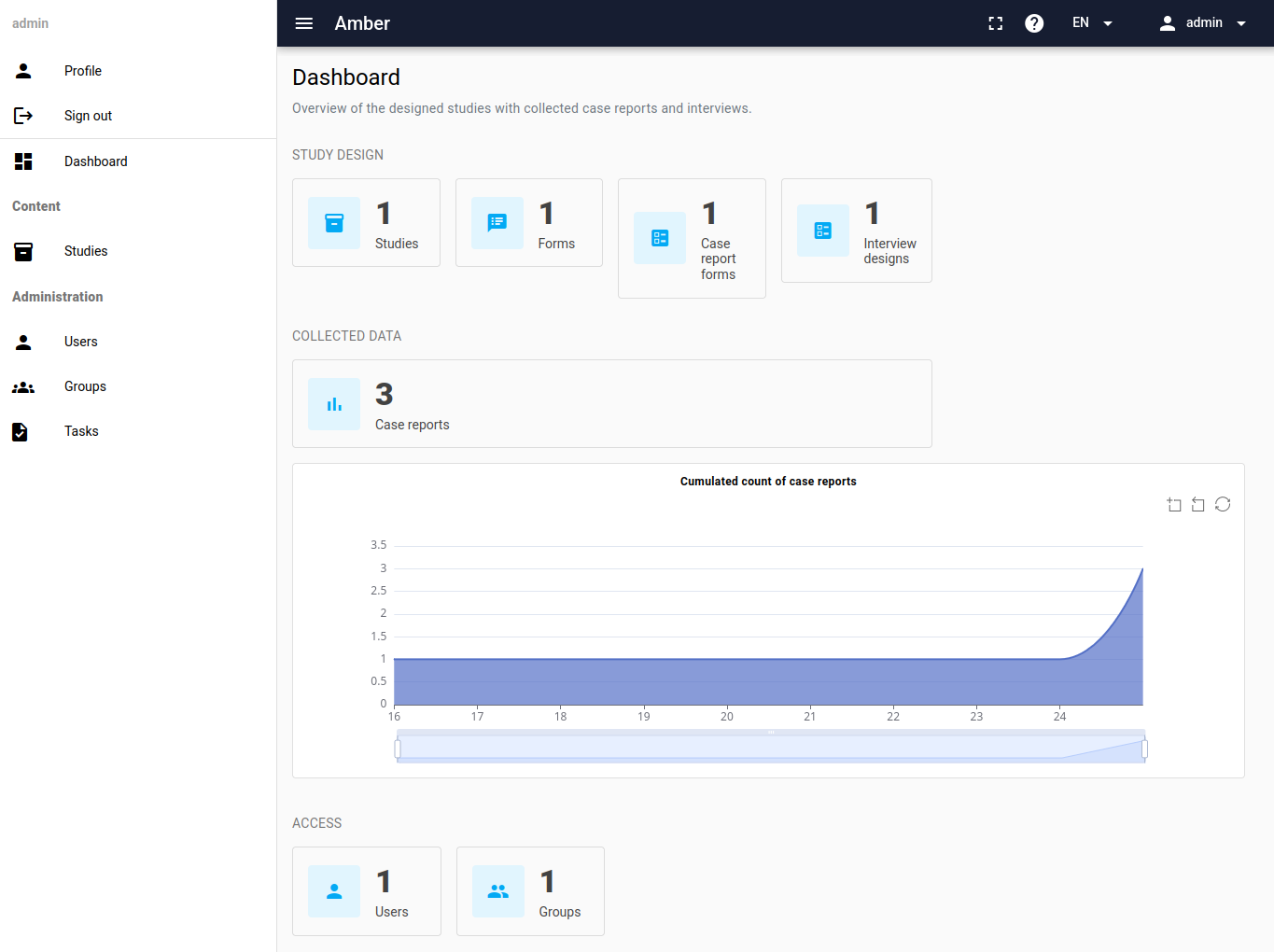
- Dashboard: basic activity metrics.
- Users and groups: add, delete and validate users, assign roles, grant specific permissions.
- Studies: groups of forms and records.
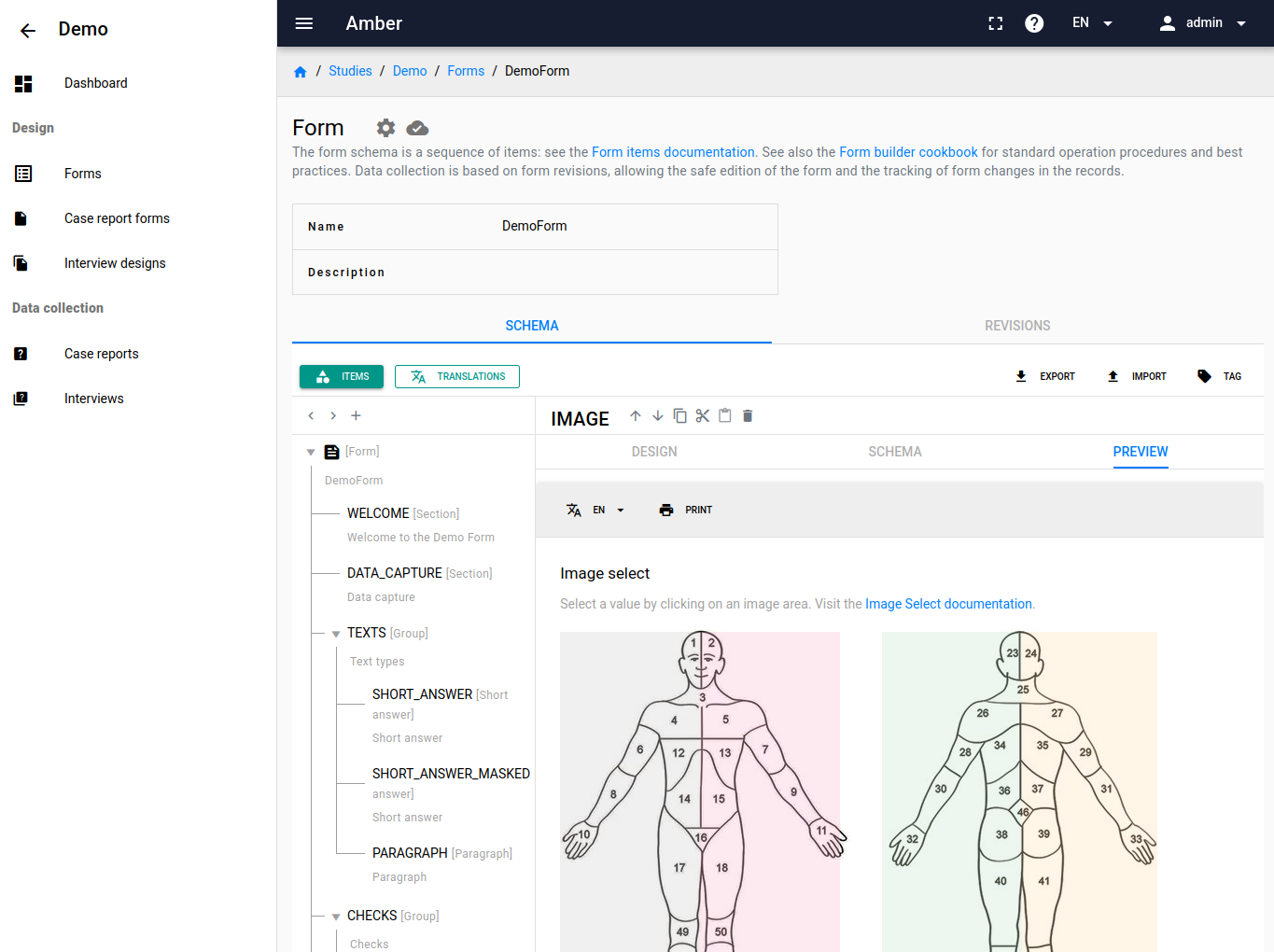
- Form builder: create forms with a user-friendly interface and minimal programming. Multiple languages and right-to-left support. Rich items: choices, open text, dropdowns, image selection, autocomplete, sliders, ratings, geographic features (points, lines, polygons) and more. Complex forms with skip logic, data validation and computed fields.
- Form version control: modify forms without interfering with on-going data collection. Each record is associated with the form revision used. Safely revert to a previous revision.
- Form import/export: export a complete form design and import it in another Amber system.
- Case report form access control: enable a form and restrict its access to specific users or groups.
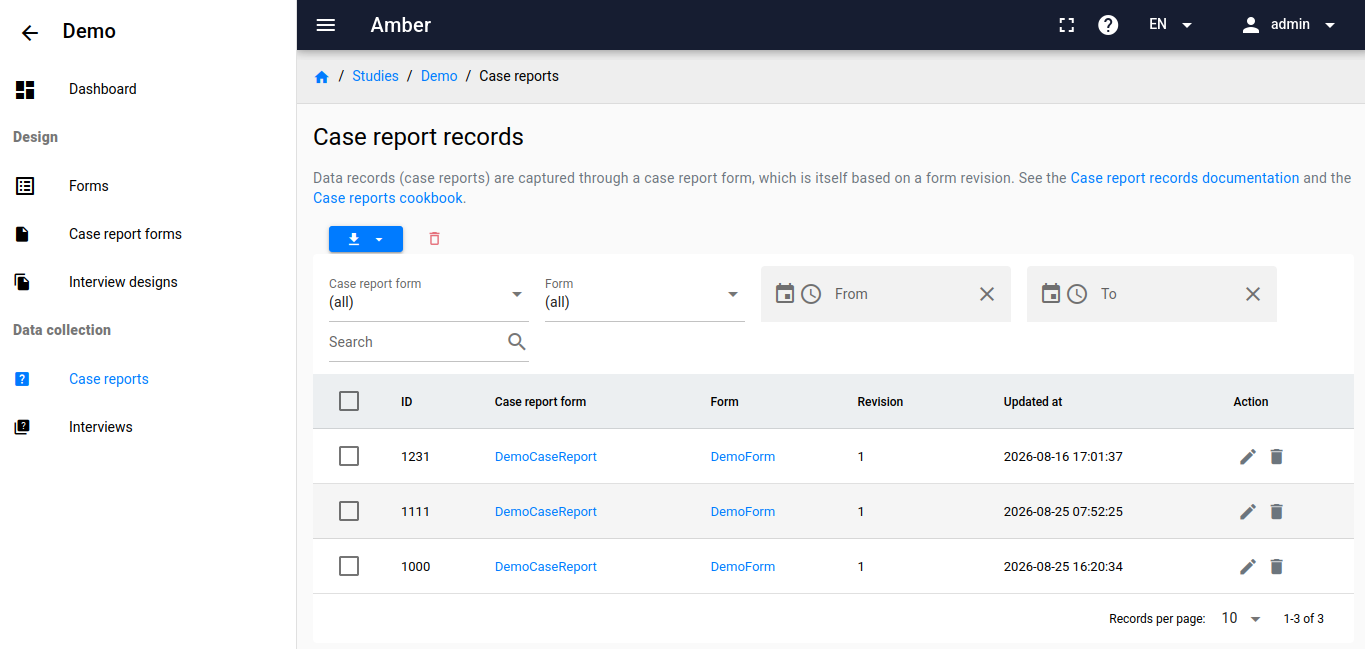
- Case report records: filter records by date, form and revision, view and modify them. Export as CSV, Excel or JSON, including the full data dictionary derived from the form.
- Interview design: an interview is a sequence of interdependent forms with logical rules: completing one form can enable or disable later steps.
- Participant management: participants are grouped in campaigns managed by investigators. Eligibility can be controlled by date range and status. Progress is followed with a dashboard and automated periodic reports.
- Interview records: filter records by date, campaign and participant, view and modify them. Export as CSV, Excel or JSON, including the full data dictionary.
Amber Collect
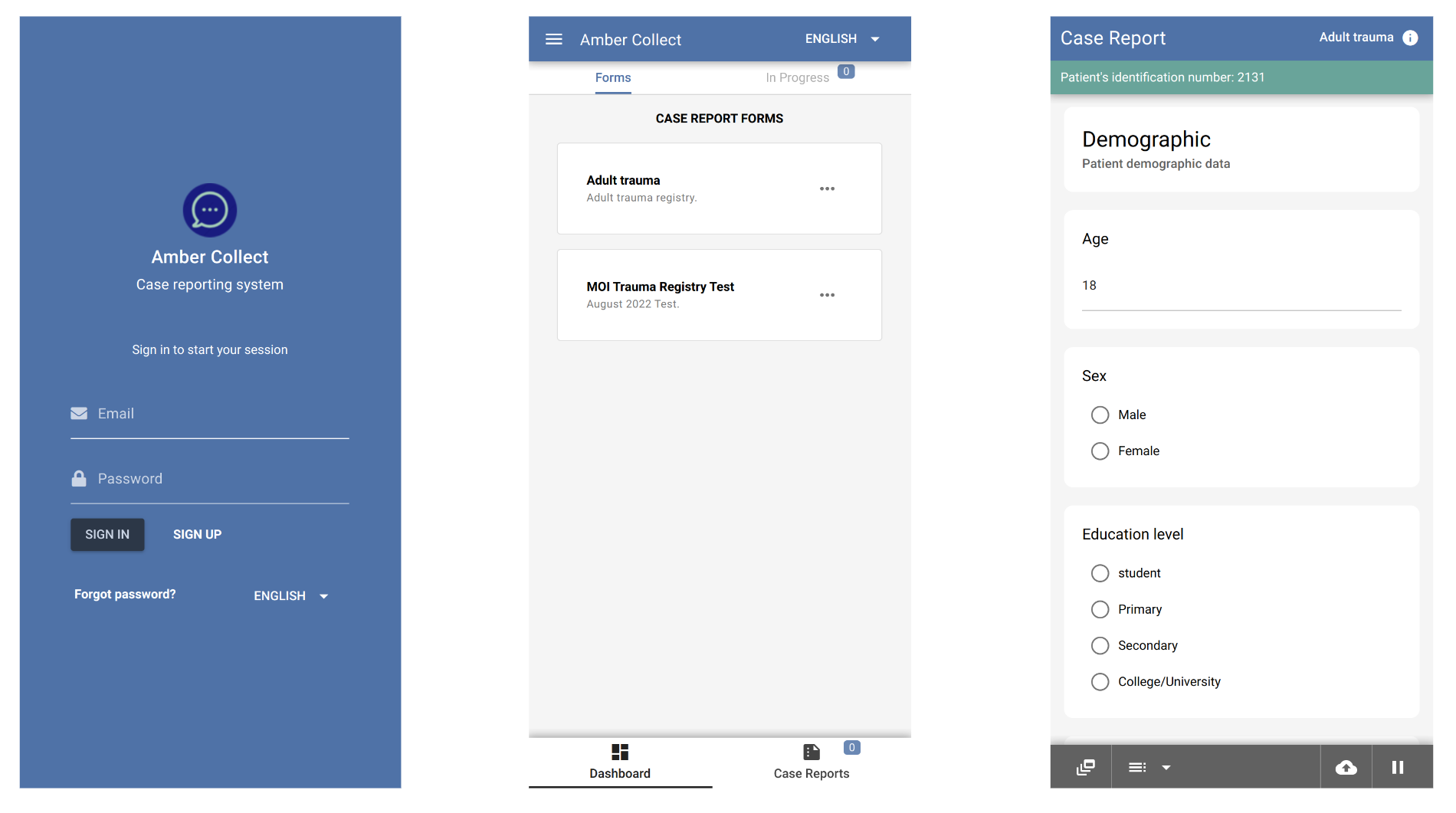
The web application for collecting case reports:
- Secure: authentication required, authorizations apply, two-factor authentication supported.
- Efficient: a deliberately minimal interface, focused on data collection.
- Multiple languages: switch language at any time; character set and right-to-left layout are applied automatically.
- Offline first: without network, collected data is stored encrypted locally and sent to Amber Server when the connection is restored.
- Progressive web app: installable on mobile devices without an app store. See What are Progressive Web Apps?
- Themes: your institution or study name, logo and colors.
Amber Visit
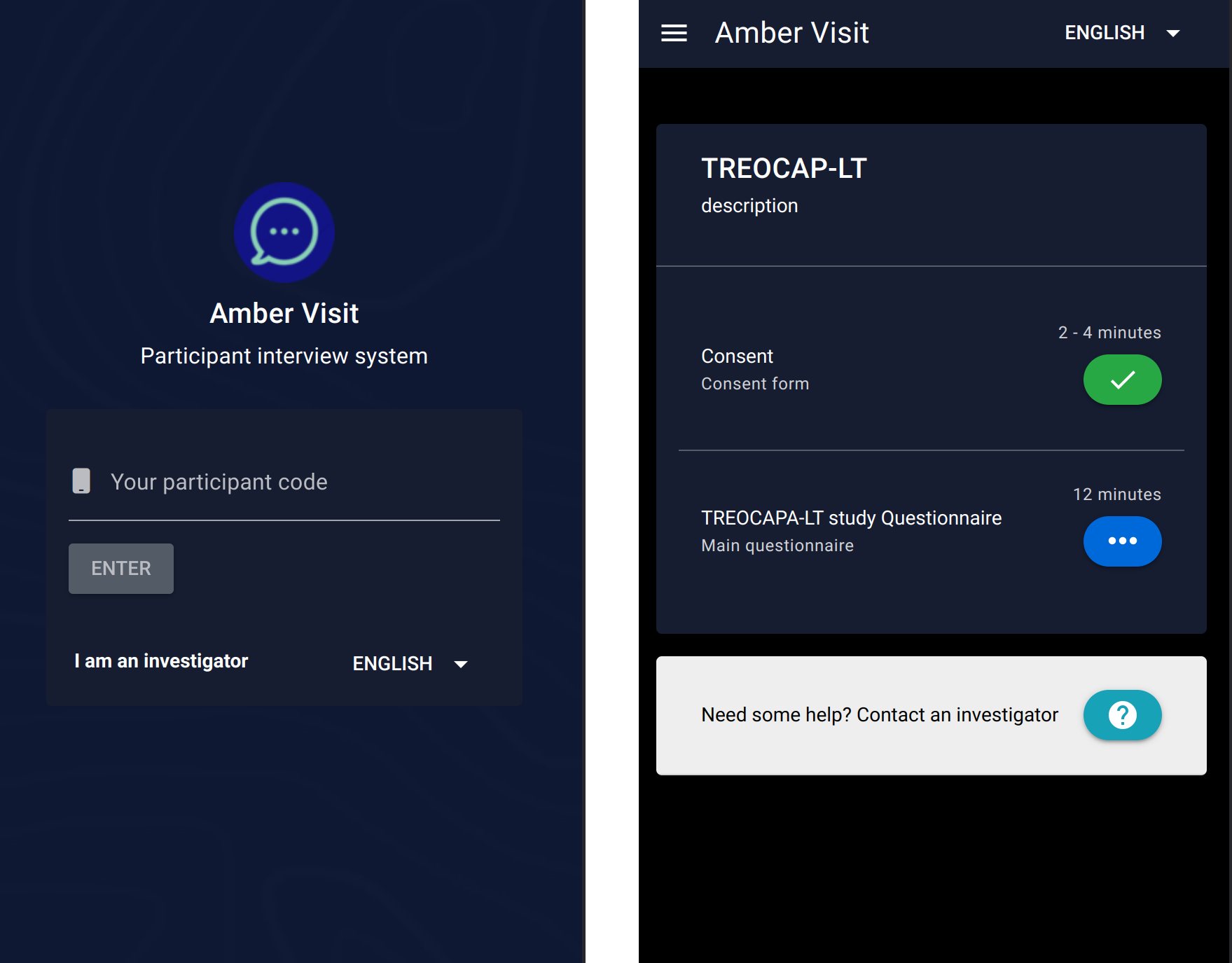
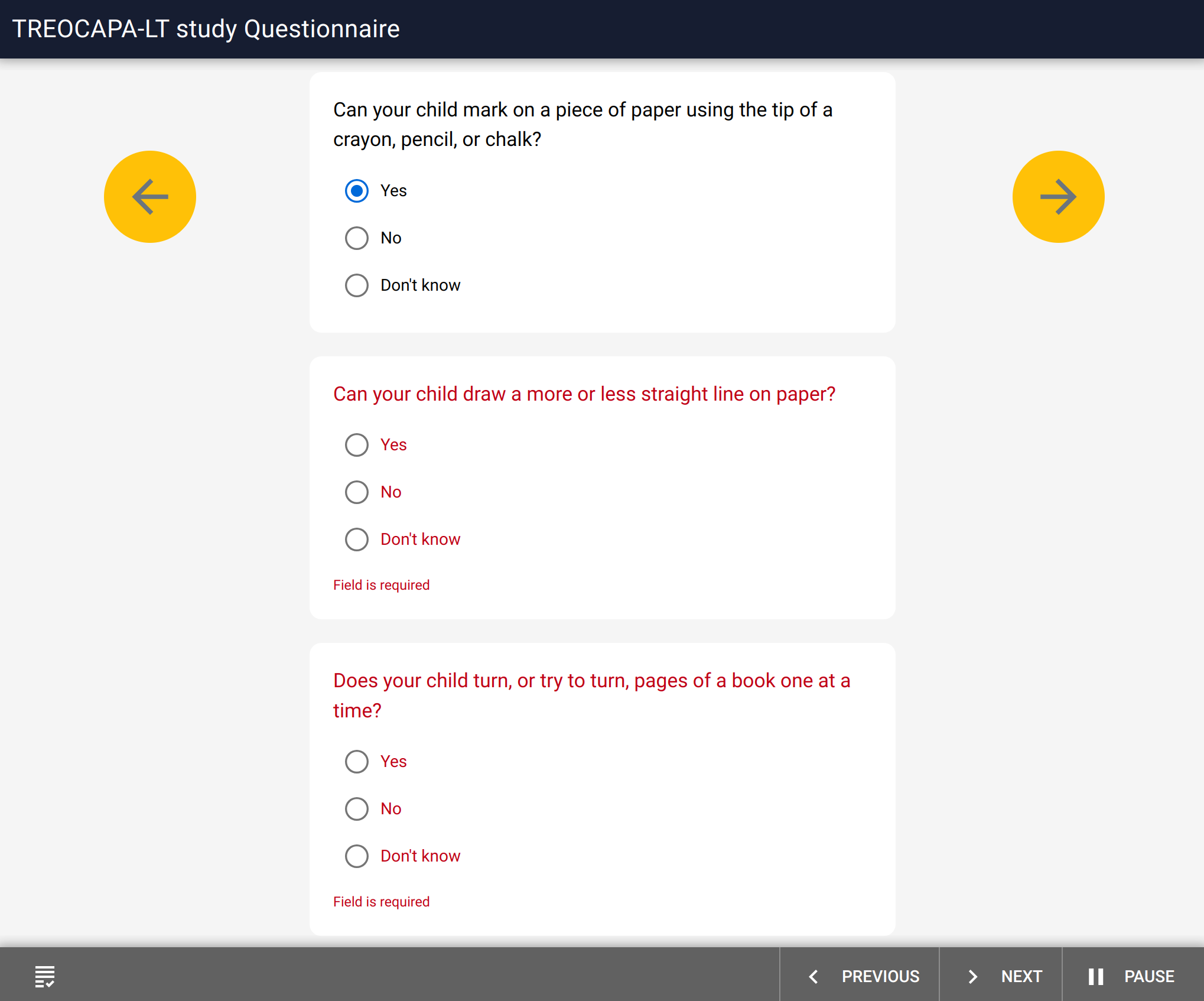
The web application for conducting participant interviews, with the same security, multi-language, offline-first and theming features as Amber Collect.
Amber R
The amberr R package automates operations on Amber:
- Secure: authentication required, authorizations apply.
- R data frames: case report and interview extractions integrate with the R ecosystem for statistical analysis and reporting.
- Data dictionaries: extracted data is documented with the metadata of the form used to collect it.
Download
Amber Server is a stand-alone Node.js web server. Amber Studio, Collect and Visit are single-page applications served by a web server such as Apache or Nginx. All of them are available as Docker images, the recommended way to deploy and customize Amber.
For a quick start, the Amber template project can be built and tested right away; see its README (download the latest .zip). Then follow the configuration documentation.
Try Amber
The demo configuration shows some of the features; most parts of Amber are configurable, so your deployment can look completely different. Try Amber Studio, Amber Collect and Amber Visit with:
admin@obiba.org/P@ssw0rd